How to take care of your smart security cameras


The Importance of Regular CCTV Maintenance

Regular maintenance of your CCTV system is more than a luxury—it’s a necessity. A well-maintained system can serve you for many years, providing reliable surveillance and peace of mind. Conversely, neglecting regular checks and maintenance can lead to faults, gaps in coverage, and decreased system longevity. Here are seven compelling reasons why regular CCTV maintenance is crucial:

  1. Ensure Continuous Operation: Regular maintenance prevents sudden system failures, ensuring your CCTV system is always operational and recording.
  2. Optimize Image Quality: Dirt and dust on camera lenses can significantly degrade image quality. Regular cleaning helps maintain the clarity of the footage.
  3. Prevent Data Loss: Regular system checks can help identify and rectify potential data storage issues, preventing the loss of valuable surveillance footage. 
  4. Extend System Life: Routine maintenance can prolong the life of your CCTV system, saving you the cost of frequent replacements.
  5. Maximize Coverage: Regular checks can help identify and correct camera misalignments, ensuring optimal coverage.
  6. Identify Software Upgrades: Regular system assessments can help identify necessary software upgrades, ensuring your system benefits from the latest features and security updates.
  7. Ensure Compliance: If you’re using CCTV for business, regular maintenance ensures that your system remains compliant with local regulations, safeguarding you from potential fines or litigation.


Tips to Maintain Your CCTV Security System
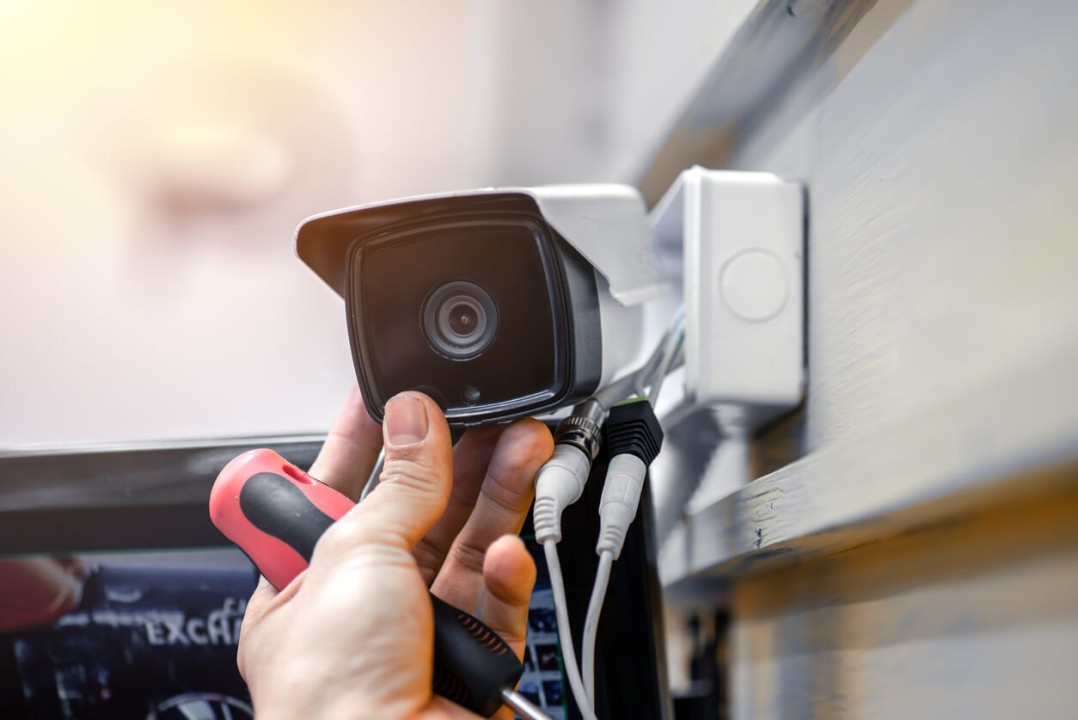
 

The best way to maintain your security camera is to create a CCTV maintenance checklist. This will help you keep track of all the tasks that need to be completed and ensure that nothing is overlooked.

Here’s a list of ten CCTV maintenance tips that you can include in your checklist to help you maintain your security camera:


Regularly Clean Camera Lenses

Check your indoor and outdoor cameras regularly to ensure the lenses are clean. Dust, dirt, and fingerprints can all interfere with the quality of your video footage.

Use a soft, dry cloth to wipe them down to clean your camera lenses. If there are any stubborn stains, you can use a mild cleaning solution (like soap and water) to remove them. Just be sure to avoid using harsh chemicals, which can damage your camera lens.


Inspect Cables and Connections

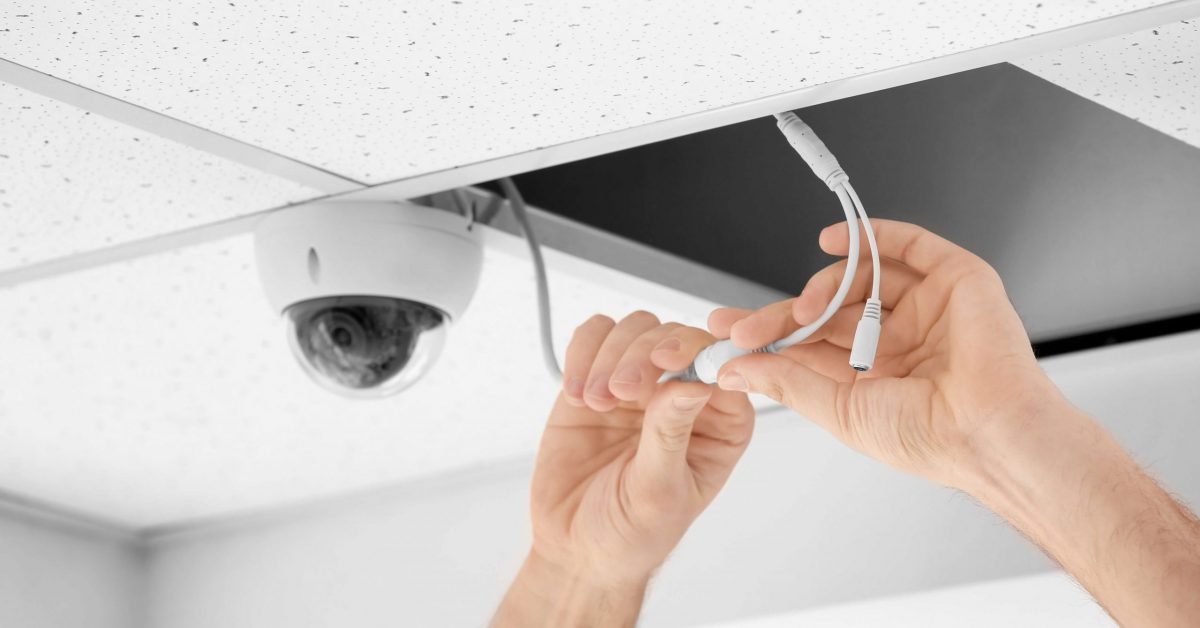
Next, please take a look at all of the cables and connections to make sure that they are secure. Loose cables can cause video quality issues, so it’s essential to check them on a regular basis and tighten any loose connections.


Test Your System Regularly

Testing your CCTV system regularly is essential to ensure it works properly. This includes testing the cameras, DVR, and monitor to ensure they function correctly. You should also test your system’s recording capabilities to ensure that it is recording high-quality video footage. 


Backup Your Video Footage

Regularly back up your video footage to avoid losing important data. This is especially important if you are using a cloud-based storage system. In addition, backing up your footage will help you avoid any potential issues if your system fails or your footage is accidentally deleted.


Keep Your Software Up-To-Date

One of the most essential CCTV maintenance tips is to keep your security camera software up-to-date. Security camera manufacturers regularly release updates for their products, often including new features and bug fixes. By keeping your software up-to-date, you can ensure your system is always running at its best.


Monitor Your System Remotely
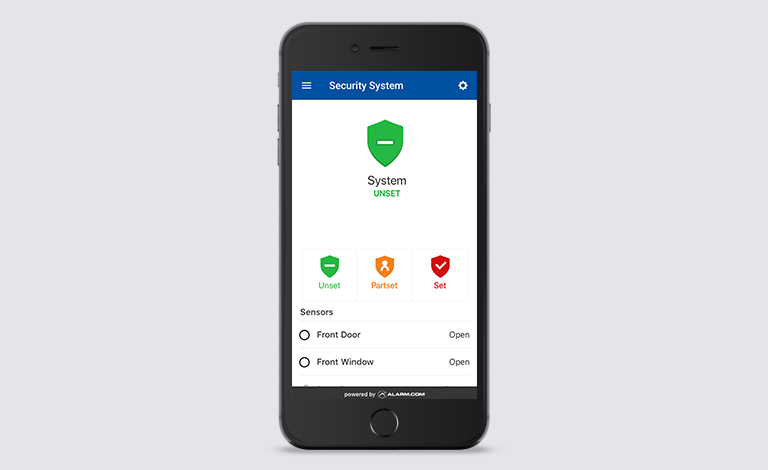
 

If you have a remote monitoring system in place, regularly check in on it to ensure that everything is working properly. This includes checking the DVR, cameras, and monitor to ensure they are online and functioning correctly.


Check the Power Supplies

Another important CCTV maintenance task is regularly checking the power supplies for your security cameras. This includes checking the batteries (if your system uses them) and ensuring the cameras are connected to a reliable power source. If you notice any issues with the power supply, be sure to contact a professional for help.


Check the Lighting Conditions

When checking your security cameras, consider the lighting conditions around them. So, if you notice that the camera is not getting enough light, you may need to adjust the camera’s position or add additional lighting. Poor lighting can cause video quality issues, so it’s essential to make sure that your cameras are properly lit.


Check the Hard Drives Periodically

Don’t forget to check the hard drives for your security cameras regularly. This includes checking for errors or issues and ensuring they have enough free space. If you notice any problems with the hard drive, contact a professional for help.


Automated Tamper Detection

With the automated tamper detection response, some security systems are able to instantly initiate a backup protocol, and even send users a notification, when they detect an offline security camera. This may not prevent physical damage to the device itself, but if backup footage can be transmitted to cloud storage, you won’t lose any video recordings —and you may even capture video evidence of the culprit in the act.


Hire a Professional

If you don’t feel comfortable maintaining your CCTV system yourself, you can always hire a professional to do it for you. Security camera maintenance is a critical part of owning a security camera system, and ensuring it is done properly is essential. Hiring a professional to do it for you can help ensure that your system is always running smoothly.


Proactive notifications for camera downtime

Camera downtime is a constant concern for any video security system and is something you want to avoid at all costs. Some outages will likely happen, however, and the goal of maintenance is to minimize the duration and impact of these occurrences. Proactive notifications instantly alert users any time a camera goes offline. The alerts can be sent via SMS text, app notifications, email, or other means. This can allow you to quickly assess, diagnose, and fix the problem to make sure every video camera is working as intended.

Security Camera Installation Tips

How to choose the right outdoor security camera system

Security measures to take when you Lose your Keys

Losing your keys is never a nice experience, especially when you don’t have a spare handy. It also comes with a lot of inconveniences including time spent trying to find the keys, getting a locksmith to change the locks, and changing your day’s plans or routines. But even more inconvenient and more concerning is the potential security risk it exposes your home, family, and belongings to if you fail to find the keys. Therefore you need to act fast and take some security measures.

Besides ensuring that you have done a thorough search for the keys and concluded that they are lost, consider these security measures to keep your home or office safe.


Call the Police 


Call the police to report missing keys. Sometimes keys found on streets or in public parks are given to police and kept in a central location. Reporting to the police is a vital security measure to take especially if your purse or wallet was stolen along with your keys, you also become at risk for identity theft.


Call a Locksmith & Change the Locks


Whilst you think you have just dropped your key, it could have, in fact, been stolen or you maybe you did drop it, but in close proximity to your front door. All these options make it likely that someone could take advantage and break in, so you’re definitely better off investing in a new lock and key.

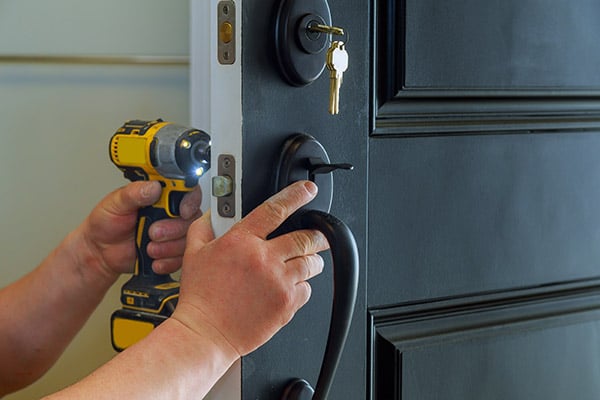
Cut a new key or change your locks: Decide whether to cut a new key or change your locks. In many cases, simply cutting a new key for the existing lock is a good choice, and it’s usually the less expensive option. However, if you’re concerned about someone using your lost keys, changing locks is recommended.


Upgrading your home security


If you have got to have new locks installed on your property due to lost keys, you may want to take the opportunity to upgrade your home security at the same time. You can also upgrade your key security by choosing higher-quality locks that have useful theft-deterrent features such as anti-snap. In addition to higher quality locks, consider installing smart locks. Smart locks use keyless entry using keypads and codes rather than physical keys. The benefits of smart locks include:

Control of your locks from anywhere. If you lose your keys, you can lock your house right from your smartphone via an app.

Assign codes to each family member. Rather than make copies and spare keys for each member of your family, you can simply assign them a specific PIN. Some smart lock makers allow you to make up to 30 different codes, and this will also show you who is coming and going from your home based on the code used.

Change codes as often as needed. With physical keys, you’d want to change your locks even if one person in your family loses their keys, just to be on the safe side. But this can be both expensive and time-consuming. You can also disable codes and assign new ones right from your smartphone.

Door & Window Security Tips

Doors and windows are the most vulnerable parts of a property, as majority of burglars gain access into a home or office through a door or window that is either not strong enough or left unlocked. Poor lighting around doors and windows and other factors also aid burglars break-in. To keep your home or office secure, it is highly important to assess the state of your doors and windows when moving into a new home and from time-to-time.

Here are some door and window security tips to help you keep your home and office secure from burglary.


Door security tips

Change your Door Lock


door security

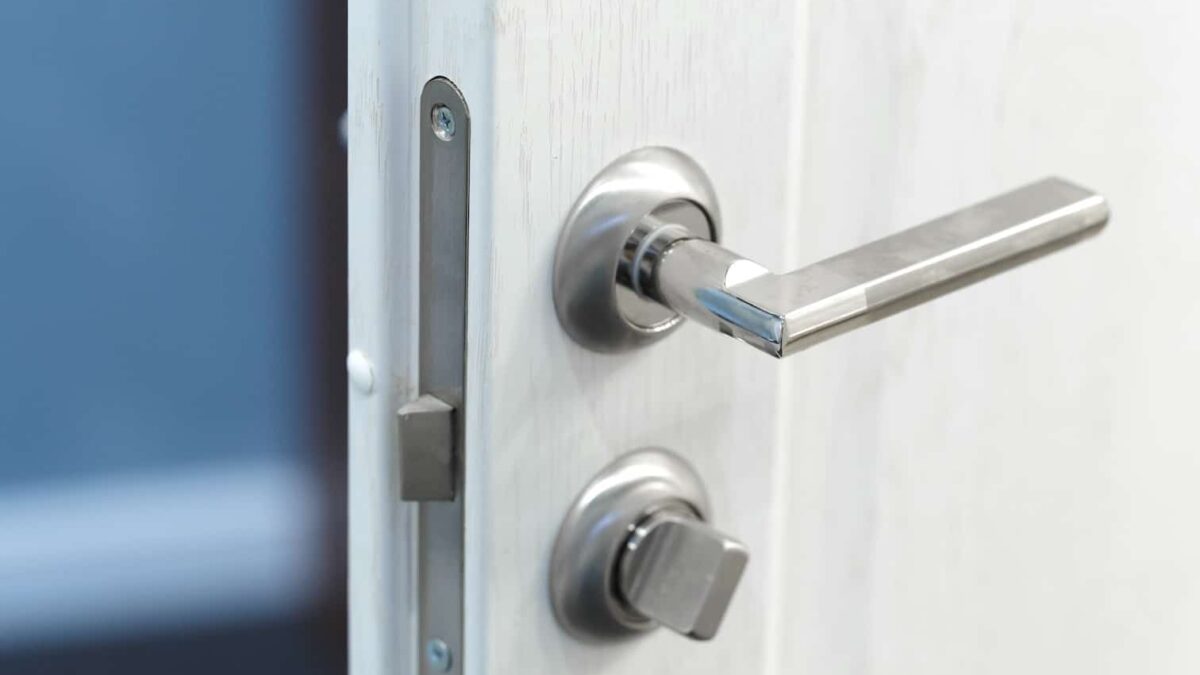
If you have just moved into a new house, it is advisable to change the door locks, especially the exterior doors. This is because you can never always be completely certain or feel comfortable if all previous occupants, their relatives, neighbours, or workmen have returned their key copies. Also, it could be that you are not comfortable with the quality of the current lock and wish to change to a new lock of higher quality. It is a good idea to change the door lock so as to give that peace of mind and control over your door.

Choose Door with Multipoint Locks


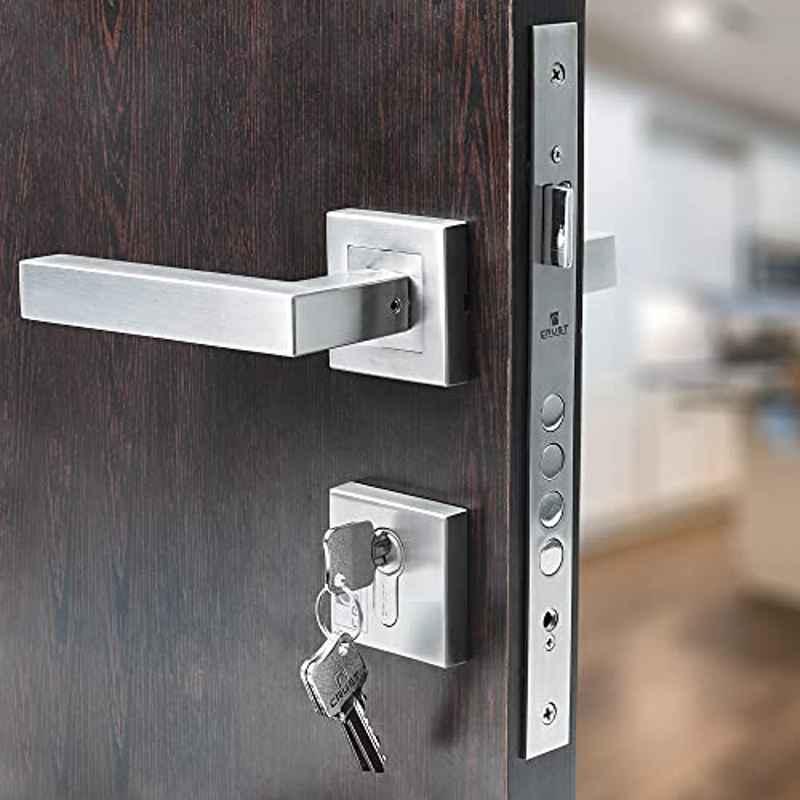
If you choose to change your door entirely, consider doors with a multiple lock system. They add an extra layer of security. For example, you can install a deadbolt. In addition to a latch and deadbolt, multi-point locks are equipped with a bolt that comes out of the top of the door panel (head bolt) and another that comes out of the bottom (foot bolt). It would take a formidable offender indeed to break through a door secured in four separate places.


Make sure your Doors are well lit


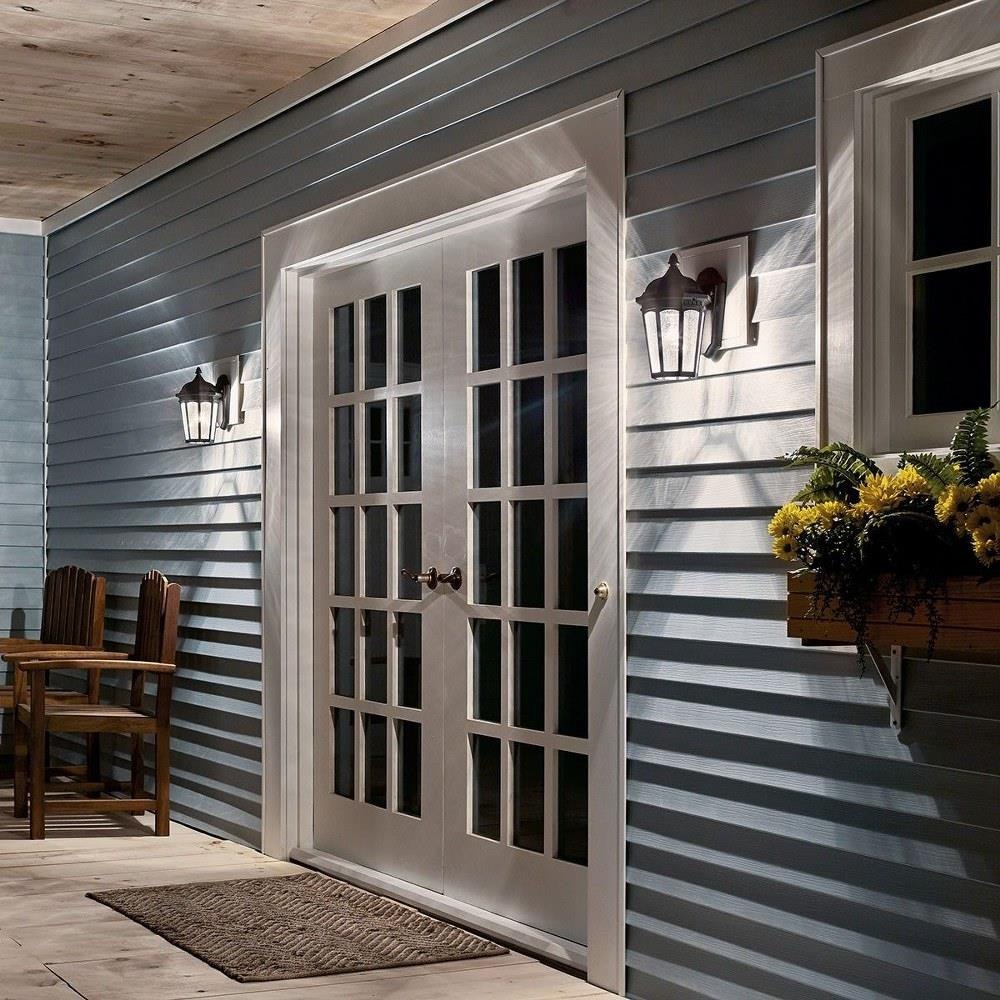
Walking up to a door that is surrounded by complete darkness would give most of us the chills. That is why having a well lit door is a key tip to keeping you safe. If there is no light at your door there are a few easy fixes for that. The simplest and cheapest fix could be getting a strand of decorative lights and hanging them up around your door or porch. This will give off enough light to brighten up the door space as well as the simplicity of small lights that can be easily removed.  If you want a more permanent fix, there are outdoor lights available at most hardware stores that can be bought.


Replace Glass with more solid options

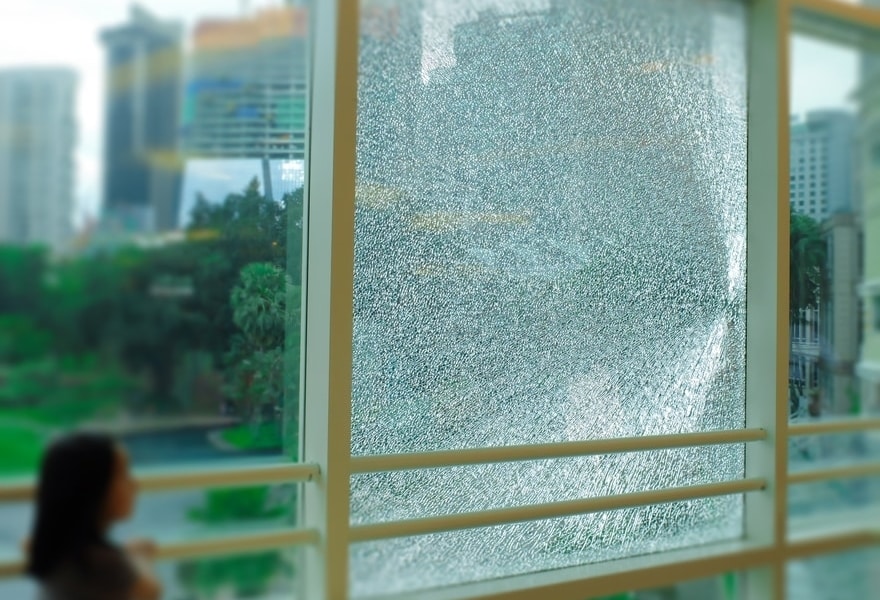
Glass doors and glass inlays on doors are nice to look at but could also pose a danger if hit. Glass can be a pain to clean up and could also result in injury. Try replacing the glass with tempered glass or finding a door with fiberglass inlays to decrease the dangers of broken glass. Tempered glass is much stronger and is more heat resistant than regular glass. It falls apart into small pieces rather than large shards with sharp edges making it much easier and safer of a clean up. Tempered glass is great in any window or door for the increased safety benefits it provides.


Window security tips

Get Windows with interior locks


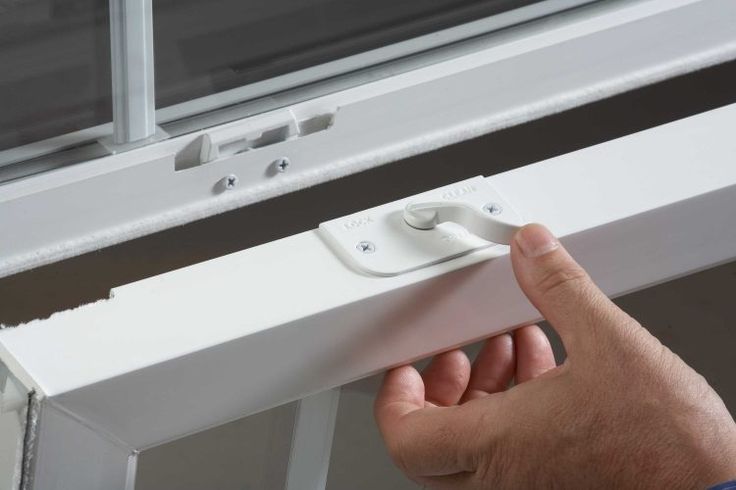
It is important to have interior locks on your windows. Many windows now have security latches at two different levels to allow for the window to stay open for ventilation in a safe way. This allows for fresh air as well as the safety of having your window locked.


Consider Windows with Tempered glass


It doesn’t take much to break standard window glass. But a window fitted with laminated glass is not so easily penetrated. Laminated glass is made by sandwiching a thin, virtually invisible, vinyl film between two layers of glass. That thin layer won’t prevent the glass from cracking, but if it does get broken the glass will stay in place within the window sash or frame.

Window Safety for Children

Keeping children safe around windows is a top priority. You should keep all furniture away from open windows. Children are full of energy and if they are playing on the furniture near an open window it increases the likelihood of an accident happening. Make sure all furniture is a good distance away from the window so that a child could not easily access it.

Install Smart Windows and Doors

You can either set up motion detectors that detect movement within the house or install lock status sensors that will let you know if your doors and windows are locked or if someone unlocks them. Both systems can be built into a new or existing home.

How to protect your Smart Security devices from Cyberattacks

Because your smart security devices require internet connectivity to function, they are vulnerable to cyberattacks. Smart security devices require connection to your Wi-Fi router to function. Your smart security devices are also connected to other smart devices such as smart hubs, mobile phones and tablets which are also vulnerable to cybersecurity threats. It is paramount that the Wi-Fi router and other devices connected to your smart devices are well protected from potential cybersecurity threats. Criminal hackers gain unauthorized access to networks and devices to steal sensitive data, including financial information, company secrets, and compromise your security system.

Here are ways to protect your smart security devices against cyberattacks.


Keep Software or Firmware Updated


software update


You should regularly update your smart security system. This can help protect against security vulnerabilities and other bugs. Your smart security device software may need to be updated to add new features or fix security flaws found by the manufacturer. Always accept any updates a device requests, and if possible, enable automatic updates. The more frequently the devices update, the more the security is enhanced.


Secure Your Wi-Fi Router


secure wifi router


Routers don’t usually come with the highest security settings enabled. When you set up your network, log in to the router and choose a password using a secure, encrypted setup. This prevents intruders from infiltrating your network and messing with your settings. In addition, installing a virtual private network (VPN) on your router is an excellent way to secure your router and protect your smart security devices from cyberattacks. A VPN will make it harder for malicious actors to access or intercept your data by ensuring that any data sent to or from your smart security device is encrypted and protected against cyberattacks. Other than that, use strong passwords and multi-factor authentication to secure your router further.


Use complex passwords to prevent network intrusions


strong password


Using strong passwords is a crucial way to prevent network intrusions. The more secure your passwords are, the harder it is for hackers to invade your smart security system. Secure passwords are usually longer and more complex. Use a password with at least eight characters and a combination of numbers, uppercase and lowercase letters, and computer symbols. Hackers have tools that can easily break short, easy passwords in minutes.

Don’t use recognizable words or combinations representing birthdays or other information hackers can connect to you. Don’t reuse passwords, either. If you have too many passwords to remember, consider using a password manager, such as Dashlane, Sticky Password, LastPass, or Password Boss.


Other ways you can protect your smart security devices from cyberattacks include turning off Bluetooth of mobile phones while not in use. Be mindful of the Wi-Fi networks you connect to. When setting up your smart security system ensure that you use a secure network from a reputable internet service provider (ISP).

Looking for smart devices to bolster your home or office security? We can help you find the best solution that meets your needs. Check out our smart security devices here. Alternatively, you can speak to us via email or call +234 706 993 7577 now! We’ll sure be glad to help!

How to choose the best smart security system for your home

So you finally decided to hop on this smart security everyone is talking about. But you don’t know where to begin or how to choose the right devices for your home. Well, you’re in luck. Hang on tight while we guide you through it.


There are many different smart security systems and devices out there, and it’s important to find the right one for your home and budget. Every home is different and has different security needs. Your security system needs to be designed to fit the layout of your home.


Here are important things you need to consider to help you pick the best home security system for your needs.


The size of your home

When choosing the ideal smart security system for your home, you have to consider the size of your home. Larger homes have more areas to monitor than smaller homes. You may need to get extra equipment if you live in a big house, like entry sensors and outdoor cameras to protect vulnerable spots.


What you want to monitor

Decide what you want your system to monitor. Do you want a security system that just keeps your home safe from burglars and break-ins, or do you want one that will also help keep your family safe from other dangers, like fires, floods, carbon monoxide, and so on?

Knowing what you want to monitor can also help you decide which type of equipment you need for your system. For example, a doorbell camera with a 90-degree field of view will only allow you to monitor the area directly in front of your front door. If you want to see everything on either side of your doorway, you’ll need a video doorbell camera with a field of view of 180 degrees.


Device selection


smartalert smart security devices


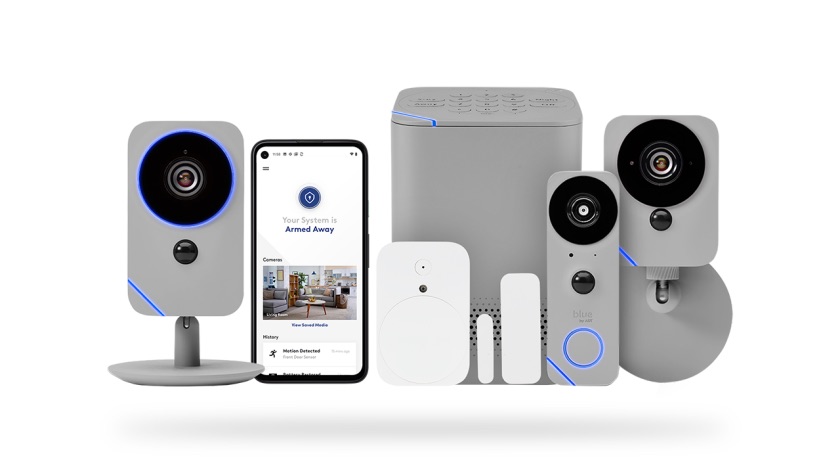
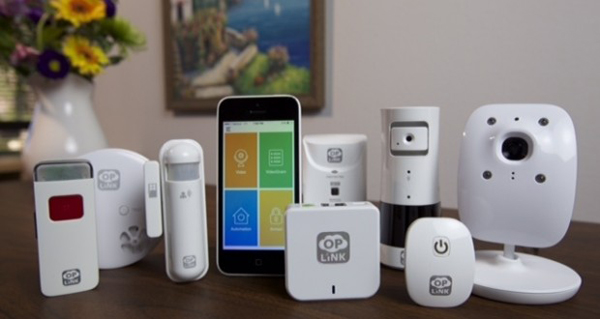
A home security system is made up of several different pieces of security equipment that work together to keep your home safe. Here are some security devices that make a a quality smart security system.

  • control panel communicates with all the parts of your security system and allows you to activate and control them from a central location.
  • Sensors in vulnerable parts of your home like your doorways, or near windows tell you when somebody is trying to enter. Some sensors even have the ability to differentiate between human movement and animal movement to prevent false alarms.
  • Security cameras can be placed both inside and outside your home to capture activity while it’s in progress. Some home security cameras have night vision so you can see what’s going on in the dark. Doorbell cameras allow you to view visitors at your front door and even communicate with them using a two-way communication feature.
  • Motion detectors sense when people are moving around inside or around your house, depending where the sensors are set up.
  • Glass break sensors can tell you when glass is shattered in your home. For example, the window sensor will alert you with a high-pitched alarm whenever a window is broken.
  • Home alarm systems can alert you to dangerous situations and often ward off potential criminals.
  • Smoke detectors warn you whenever there is harmful smoke in your home.
  • Carbon monoxide detectors determine if there’s carbon monoxide in your environment and will warn you if they sense any.
  • Flood sensors and leak sensors tell you when there’s water in your home.
  • Lighting such as floodlights can shine brightly when someone gets close to your home. Sometimes, this is enough to deter intruders.


Customization

A quality home security system should be customized for your specific security needs. An installation expert can help you decide things like which devices you need and the best location for your motion sensors.

Whether you want to combine a doorbell camera and outdoor cameras with motion sensors and 24/7 monitoring, or you’re just interested in smart door locks and a doorbell camera, all products work together to create a fully integrated system.


Professional / self monitoring 

You might choose a home security system that you monitor yourself. This means that the system will send a notification directly to you whenever suspicious activity is detected. Then, it’s up to you to take necessary action. On the other hand, you can opt for professional security monitoring. This means that the system will automatically notify the police or fire department whenever a threat is detected. Monthly monitoring can be a useful tool for your security system, but it also comes with a monitoring fee.


App Integration

A great home security system needs a mobile app that lets you connect with and control your system from anywhere. Not only should the app be reliable but it should also work well with all of the security and automation tools in your home.

EyeSyte’s intuitive app makes managing all of your EyeSyte smart security devices simple — no matter where you are. It gives you the power to control all of your security and smart home devices, like security cameras, smart locks, and smart lights.


Do you have a smart home security system yet? Or you’re not sure which smart security devices to get. We can help you get started. Check out our smart security devices here. Alternatively, you can speak to us via email or call +234 706 993 7577 now! We’ll sure be glad to help!

5 Benefits of a Smart Home Security System

So you’ve been hearing ‘smart home security system’ and ‘smart security’ a lot these days and you’re wondering why all the fuss. Or perhaps you’re just about to finally give a smart home security system a try, and you think, “hang on a minute! What are the benefits? And is it really worth it?” Leveraging technology and smart devices, smart home security systems have many benefits that offer you better security, more peace of mind and convenience.


Convenience 

Convenience is one of the superpowers of smart home security systems. Thanks to the ability to integrate with your mobile phone and other smart handheld devices, set up, customization, and monitoring through your smart home security system is a whole lot more convenient. So you no longer have to be restricted to monitoring your security cameras via a designated computer which it is connected to. With smart home security systems, you get real-time alerts on your phone or other smart devices on-the-go or wherever you are.


Easy to use & User-friendly controls

One of the greatest appeals of smart home security systems is the ease of use compared to their predecessor security systems. Smart security systems are built with the ease of use for everyone in mind. With user-friendly interfaces, interactive controls and guides, smart home security systems can be operated and managed by anyone.


Energy Savings & Management

Everyone is always looking out for ways to save on their energy bills, and smart home security systems can help you significantly cut down on your energy consumption. A smart home system helps you control your devices and appliances. You can set the duration of time you want them to work for, and automatically turn off to save on energy costs. For instance, you can set your light to turn on only when someone enters a room, and automatically switch off when you exit the room.


Remote Access & Monitoring

With smart home security systems you don’t have to be physically present at your home where the smart cameras or other security devices are connected to be able to control and monitor them. Smart security devices use Wi-Fi connectivity to enable you access, monitor and control your security devices from wherever you are.


2-Way Communication

Unlike regular security systems, smart security systems have the capability of a 2-way communication system. This means that if for instance, someone is at your door, you can see and talk to them through your smart doorbell.


Overall, smart home security systems improve your home security. You are better able to monitor and control your security devices, and take proactive actions when there’s a security or safety incident.

Do you have a smart home security system yet? We can help you get started at highly affordable rates. Check out our smart security devices here. Alternatively, you can speak to us via email or call +234 706 993 7577 now! We’ll sure be glad to help!

What is Smart Security?

Lights, camera, action! With smart security, it’s literally a movie, and you’re the director in charge of everything. We live in a smart world today, so it makes sense that we make our security smart as well. Imagine being able to control the rotation and view of your camera at home while seated in an Uber headed for a dinner date. Or seeing who is at your door while away on vacation and being able to speak with them. And in case of emergencies at home or the office while you’re away, you can get real-time alerts with an option of an emergency dispatch immediately. In a world that’s increasingly busy, it’s easy to miss things that matter, but with smart devices you don’t miss a thing. You get instant notifications real-time of even motion movement.


smart security system


A smart security system seamlessly integrates your home security or business security system into your everyday life. It connects your security with your personal devices such as smartphones using wireless technology. Smart security has evolved from CCTV cameras which can be viewed on your phone to more smart solutions such as intruder alarms with app monitoring. You can monitor activities in your home or office from your phone via an app. The app also offers you options on what actions to take depending on the situation. For instance, if the alarm shows that there’s an intruder on your property, then you can call the police immediately. If however, the alarm has gone off because your kids at home triggered it, you can easily reset the alarm from your phone without having to be at home.


Smart cameras


eyesyte smart camera


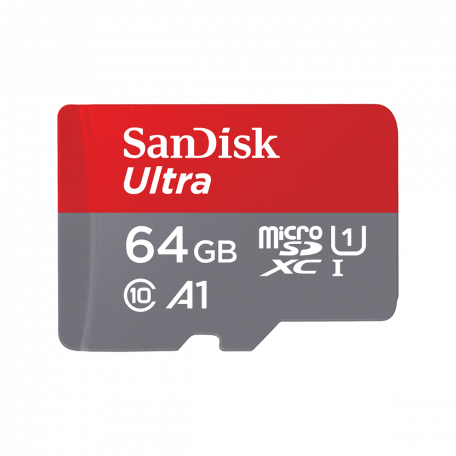
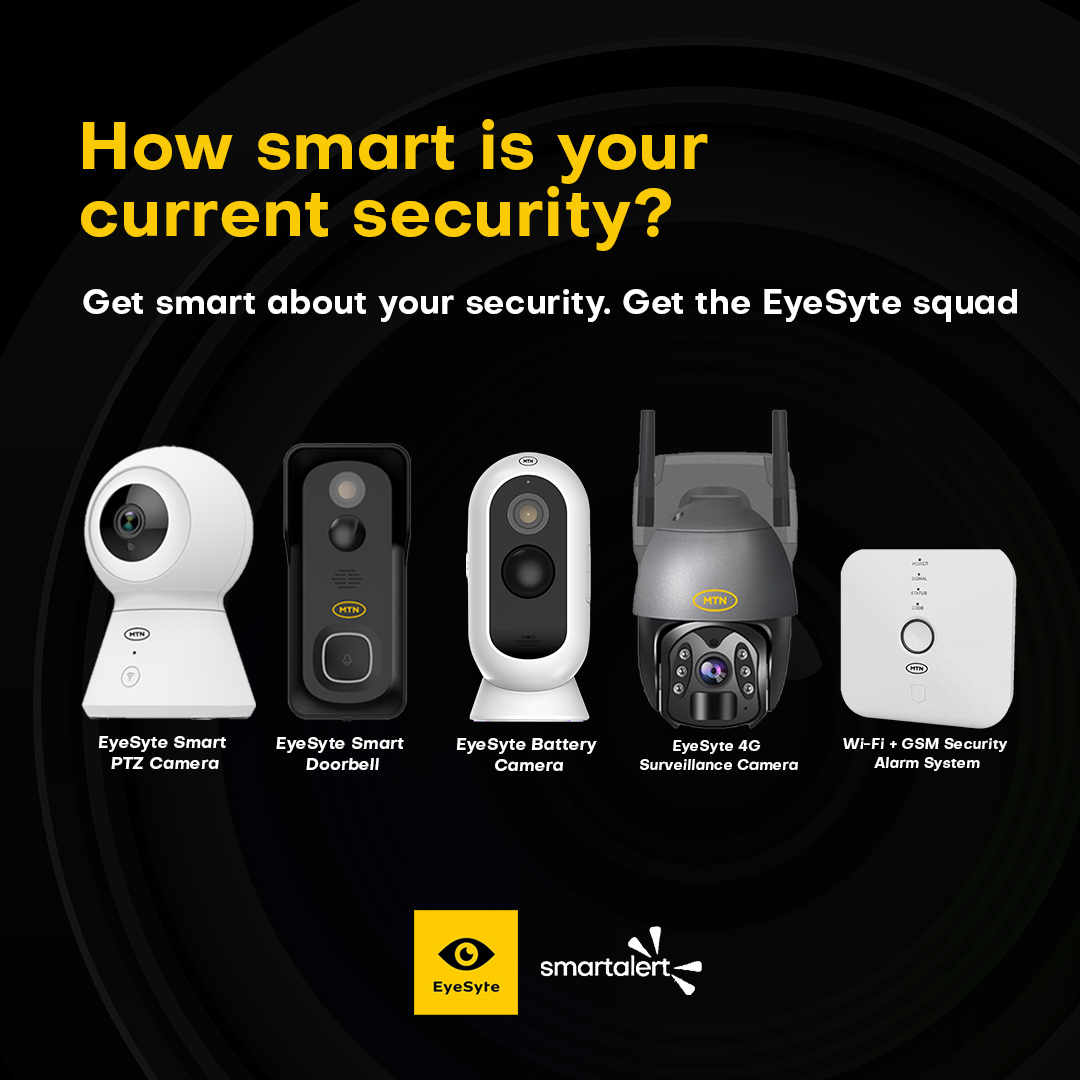
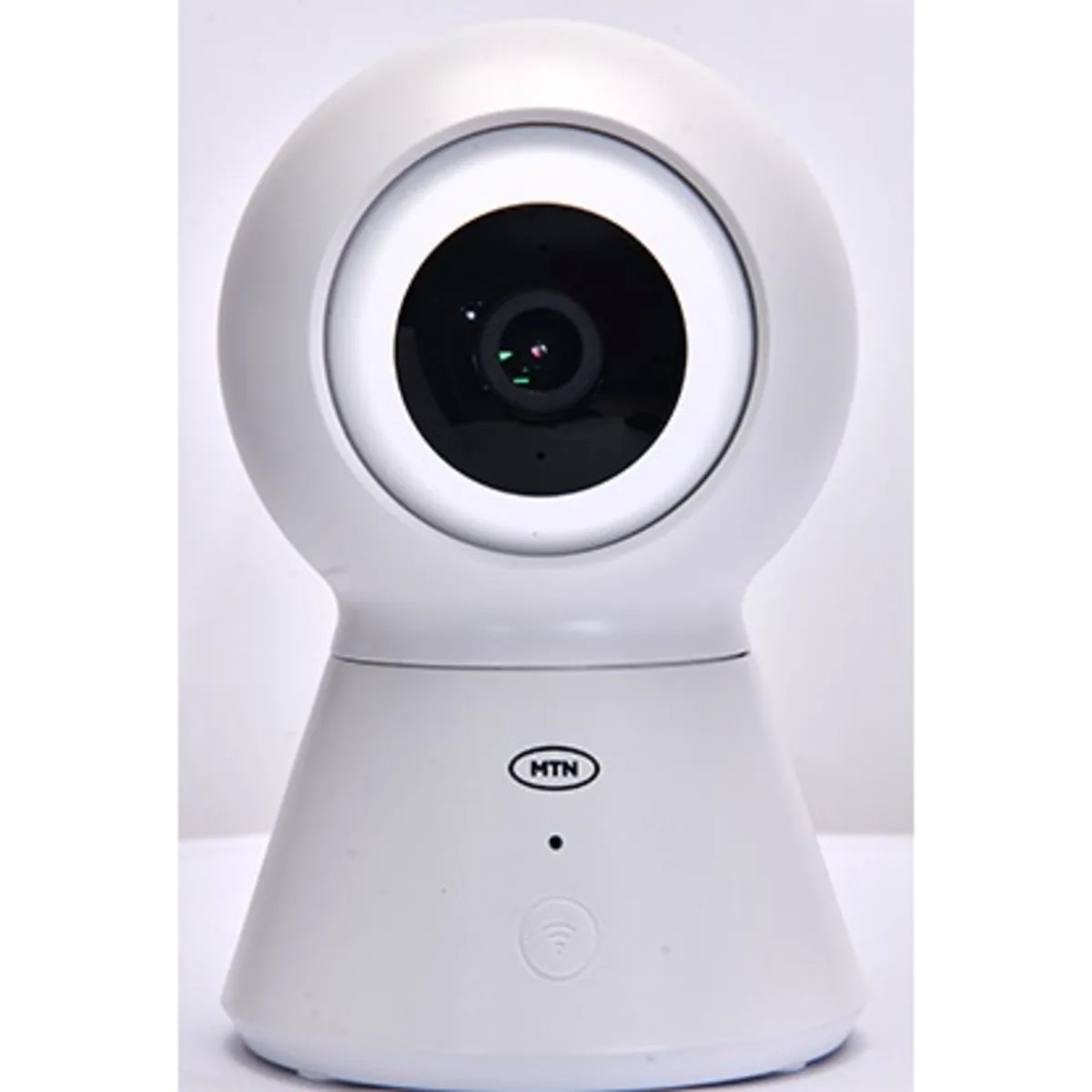
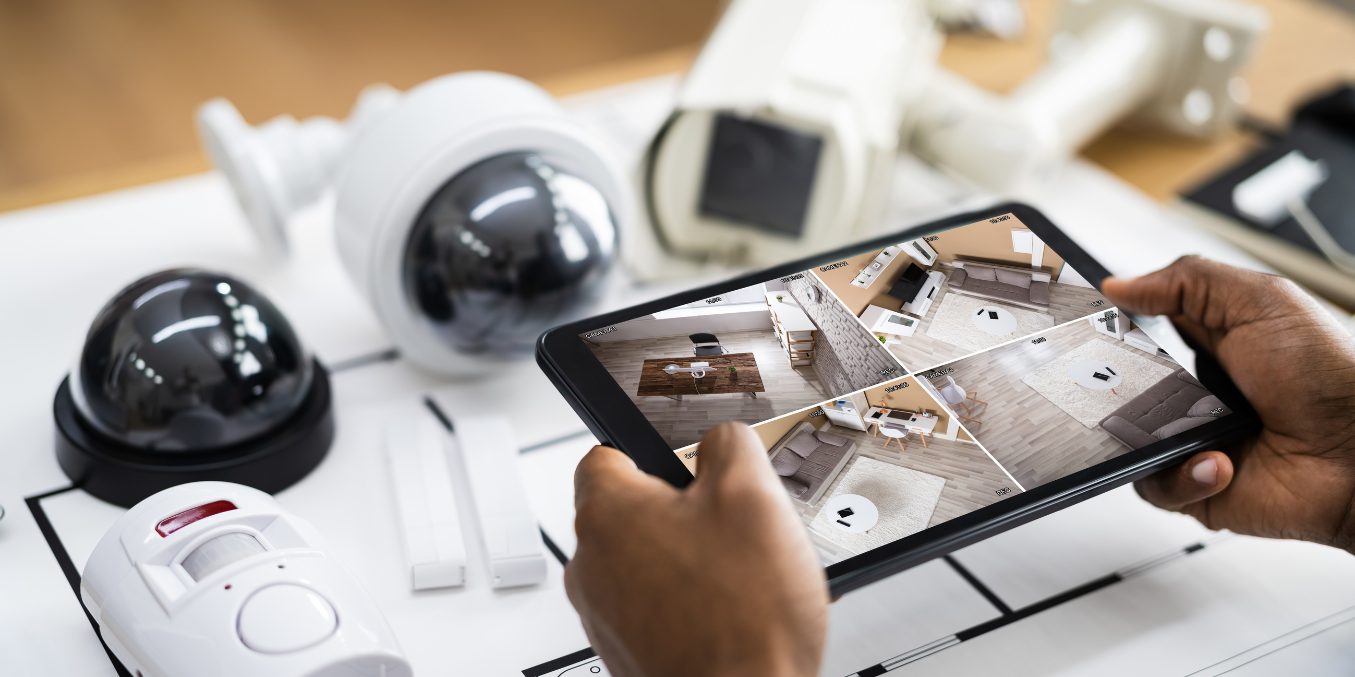
Smart cameras using innovative technology, when connected to your Wi-Fi network can relay videos to your phone or other smart device real-time. They enable you monitor the interior and exterior of your property from the comfort of your couch  wherever you may be around the world. Smart cameras come with superior features such as night vision, motion detection, HD resolution, 2-way audio, zoom/focus, and SD card slots for recording capabilities.


Smart Locks


smart lock smart security system

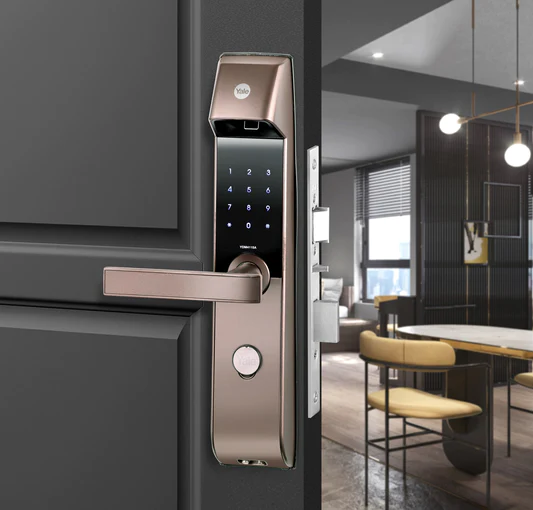
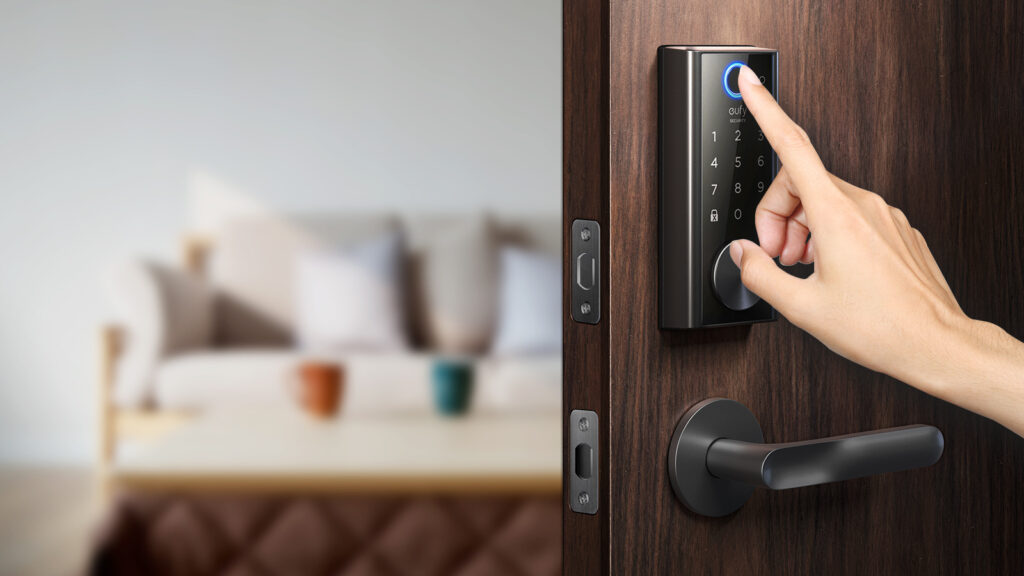
Smart locks allow seamless entry into your home or office. Smart locks are connected to your Wi-Fi network. They are designed with fingerprint sensors and keypads. They can be set to give push notifications directly to your phone or smart device whenever the lock is opened. There are also padlocks with fingerprint and bluetooth unlocking functions.


Smart Lighting


smart lighting

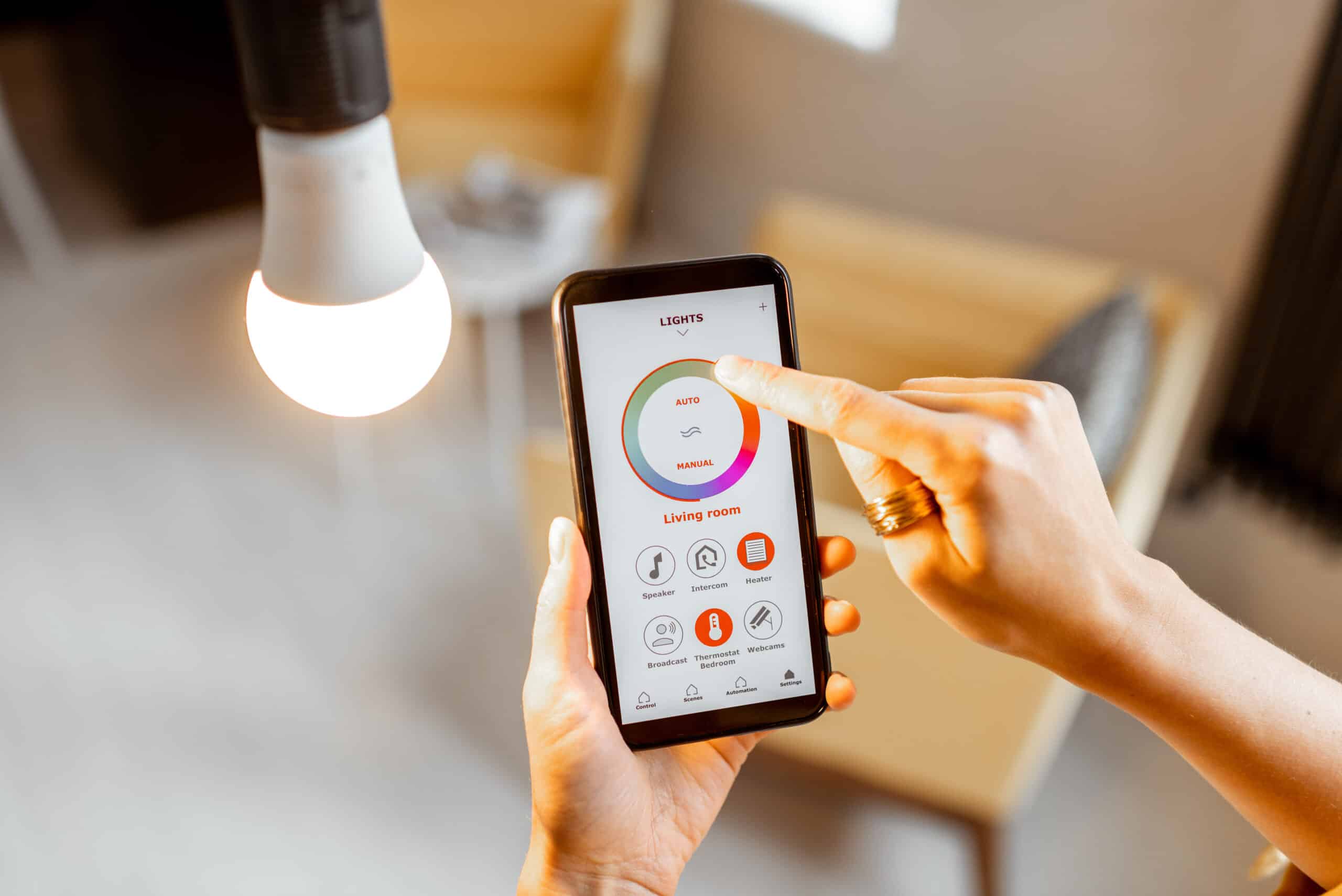
Smart lighting is connected wirelessly to your smartphone through an app. Through the app you can group lights in different rooms together and turn them on and off at set times. Smart light can also be installed outside of your property to illuminate pathways at night. They can be set to illuminate when human motion is detected. Smart lighting is a great security feature to have especially when you are away on holidays or for some days. By turning lights on and off at set times, it creates the illusion that you’re home and deters intruders.


Smart Doorbells


smart doorbell

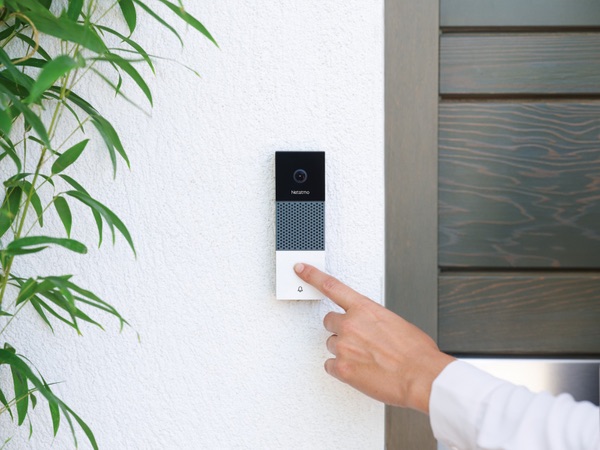
Smart doorbells enable you see who’s at the door from wherever you might be. Smart doorbells come with in-built HD cameras and real-time two-way audio systems that enable you communicate with whoever is at your door. Some advanced models have night vision cameras for clear video streaming at night and motion sensors to detect motion around your door.


Smart sensors 


smart sensors

Smart sensors can be paired with your smart cameras, smart doorbells, smart locks and smart lighting for a superior smart security experience. They are also connected by a Wi-Fi connection to your smartphone or smart device via an app. There are various sensors such as gas detector to detect flammable gas molecules in the air in rooms and other places where they are installed, door and window sensors that trigger an alarm whenever specific doors or windows are opened, and motion sensors to detect movement around certain areas. Whenever these sensors detect what they are intended for, an alert is sent to your phone to take appropriate action.


Should you upgrade to a smart security system?


smart home security system

Whether you already have a traditional security system in place, you should upgrade to a smart security system. About 89% of ex-burglars say that properties with a smart security system discourage them from burglarizing a property.


Why do you need smart security? A smart security system keeps you safe and gives you peace of mind. SmartAlert can help you get started on upgrading your security to a smart security system. You can find our smart security devices that suit your needs here at affordable prices. If you would love to learn more about smart security and need help deciding which devices are appropriate for your needs you can speak to us via email or call +234 706 993 7577 now!