How to take care of your smart security cameras


The Importance of Regular CCTV Maintenance

Regular maintenance of your CCTV system is more than a luxury—it’s a necessity. A well-maintained system can serve you for many years, providing reliable surveillance and peace of mind. Conversely, neglecting regular checks and maintenance can lead to faults, gaps in coverage, and decreased system longevity. Here are seven compelling reasons why regular CCTV maintenance is crucial:

  1. Ensure Continuous Operation: Regular maintenance prevents sudden system failures, ensuring your CCTV system is always operational and recording.
  2. Optimize Image Quality: Dirt and dust on camera lenses can significantly degrade image quality. Regular cleaning helps maintain the clarity of the footage.
  3. Prevent Data Loss: Regular system checks can help identify and rectify potential data storage issues, preventing the loss of valuable surveillance footage. 
  4. Extend System Life: Routine maintenance can prolong the life of your CCTV system, saving you the cost of frequent replacements.
  5. Maximize Coverage: Regular checks can help identify and correct camera misalignments, ensuring optimal coverage.
  6. Identify Software Upgrades: Regular system assessments can help identify necessary software upgrades, ensuring your system benefits from the latest features and security updates.
  7. Ensure Compliance: If you’re using CCTV for business, regular maintenance ensures that your system remains compliant with local regulations, safeguarding you from potential fines or litigation.


Tips to Maintain Your CCTV Security System
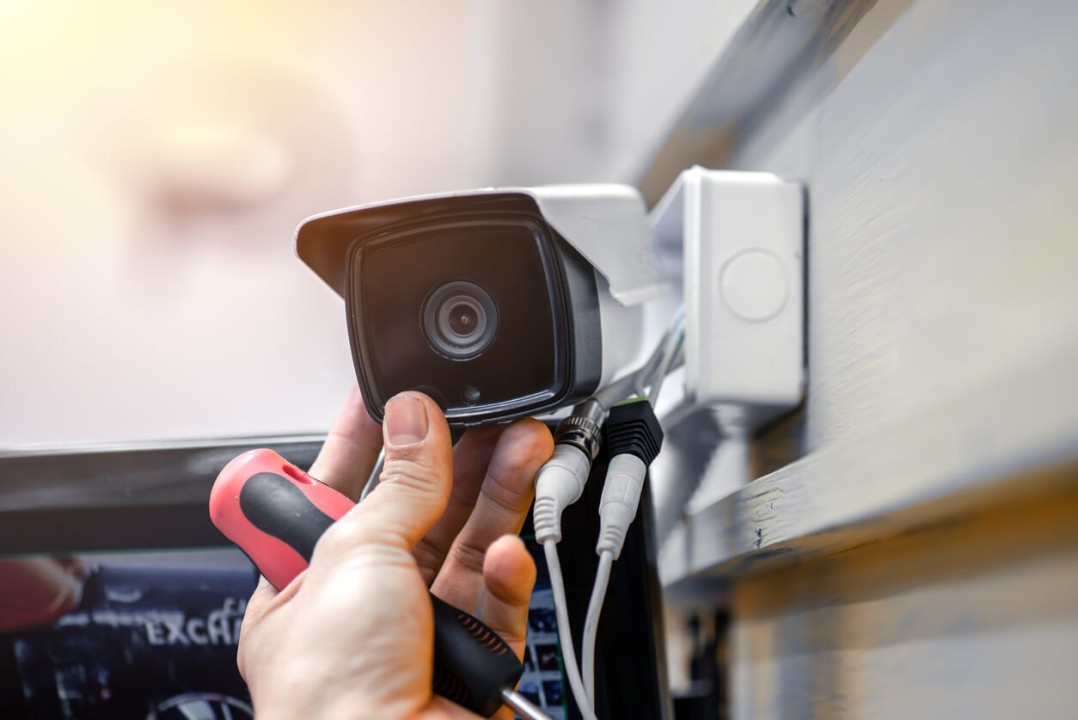
 

The best way to maintain your security camera is to create a CCTV maintenance checklist. This will help you keep track of all the tasks that need to be completed and ensure that nothing is overlooked.

Here’s a list of ten CCTV maintenance tips that you can include in your checklist to help you maintain your security camera:


Regularly Clean Camera Lenses

Check your indoor and outdoor cameras regularly to ensure the lenses are clean. Dust, dirt, and fingerprints can all interfere with the quality of your video footage.

Use a soft, dry cloth to wipe them down to clean your camera lenses. If there are any stubborn stains, you can use a mild cleaning solution (like soap and water) to remove them. Just be sure to avoid using harsh chemicals, which can damage your camera lens.


Inspect Cables and Connections

Next, please take a look at all of the cables and connections to make sure that they are secure. Loose cables can cause video quality issues, so it’s essential to check them on a regular basis and tighten any loose connections.


Test Your System Regularly

Testing your CCTV system regularly is essential to ensure it works properly. This includes testing the cameras, DVR, and monitor to ensure they function correctly. You should also test your system’s recording capabilities to ensure that it is recording high-quality video footage. 


Backup Your Video Footage

Regularly back up your video footage to avoid losing important data. This is especially important if you are using a cloud-based storage system. In addition, backing up your footage will help you avoid any potential issues if your system fails or your footage is accidentally deleted.


Keep Your Software Up-To-Date

One of the most essential CCTV maintenance tips is to keep your security camera software up-to-date. Security camera manufacturers regularly release updates for their products, often including new features and bug fixes. By keeping your software up-to-date, you can ensure your system is always running at its best.


Monitor Your System Remotely
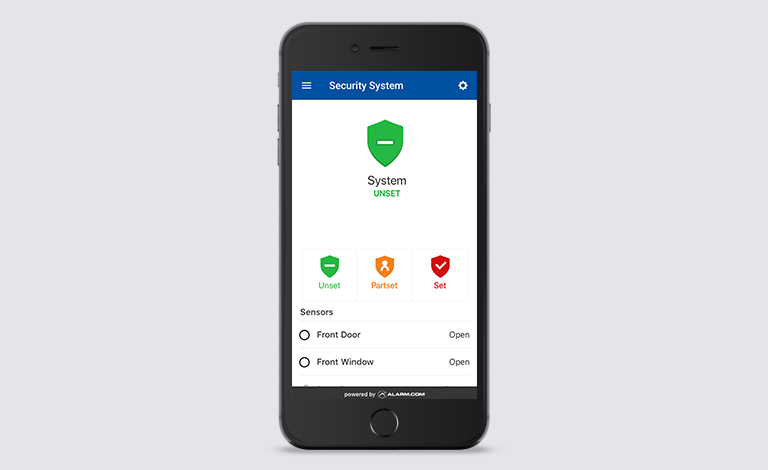
 

If you have a remote monitoring system in place, regularly check in on it to ensure that everything is working properly. This includes checking the DVR, cameras, and monitor to ensure they are online and functioning correctly.


Check the Power Supplies

Another important CCTV maintenance task is regularly checking the power supplies for your security cameras. This includes checking the batteries (if your system uses them) and ensuring the cameras are connected to a reliable power source. If you notice any issues with the power supply, be sure to contact a professional for help.


Check the Lighting Conditions

When checking your security cameras, consider the lighting conditions around them. So, if you notice that the camera is not getting enough light, you may need to adjust the camera’s position or add additional lighting. Poor lighting can cause video quality issues, so it’s essential to make sure that your cameras are properly lit.


Check the Hard Drives Periodically

Don’t forget to check the hard drives for your security cameras regularly. This includes checking for errors or issues and ensuring they have enough free space. If you notice any problems with the hard drive, contact a professional for help.


Automated Tamper Detection

With the automated tamper detection response, some security systems are able to instantly initiate a backup protocol, and even send users a notification, when they detect an offline security camera. This may not prevent physical damage to the device itself, but if backup footage can be transmitted to cloud storage, you won’t lose any video recordings —and you may even capture video evidence of the culprit in the act.


Hire a Professional

If you don’t feel comfortable maintaining your CCTV system yourself, you can always hire a professional to do it for you. Security camera maintenance is a critical part of owning a security camera system, and ensuring it is done properly is essential. Hiring a professional to do it for you can help ensure that your system is always running smoothly.


Proactive notifications for camera downtime

Camera downtime is a constant concern for any video security system and is something you want to avoid at all costs. Some outages will likely happen, however, and the goal of maintenance is to minimize the duration and impact of these occurrences. Proactive notifications instantly alert users any time a camera goes offline. The alerts can be sent via SMS text, app notifications, email, or other means. This can allow you to quickly assess, diagnose, and fix the problem to make sure every video camera is working as intended.


Tips on Choosing the Right Security Doors for Your Home

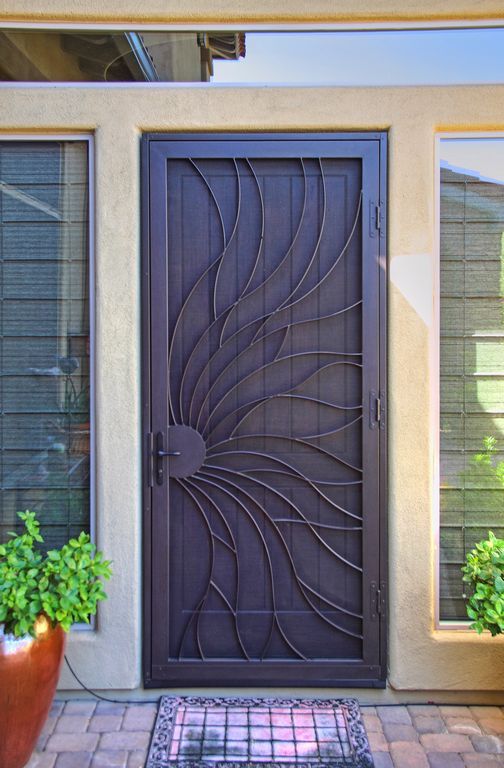
Security doors are the first line of security for your home, especially your front door which is the main entrance for burglars to get into a home. As a result, it is highly important to install high quality security doors. The main purpose of installing security doors is to strengthen all the external entry points into your home, especially the front door, and prevent unauthorized access or entry.

Security doors are doors made ‌of strong materials designed to resist forced entry. They typically have reinforced frames, stronger hinges, and deadbolt locks. Some may also have additional features like security bars or grilles. It is important not to compromise on installing high quality security doors as criminals target homes with low level of security and poor quality security doors.


Deciding on a security door could be quite tasking as there are many factors to consider like opening size, security level, swing or vertical lift, ornamental or standard and the material of the door. Together with these listed factors, you should also put your requirements into consideration. Here’s some tips to consider when trying to choose the right security door for your home:


Security

If you are looking for strong and reliable security doors for your home, then steel security doors are a great option. Steel doors are strong and durable, and they offer greater security from burglars and impact based break-in attempts. Aluminium security doors also offer great security for locations or parts of your home with low to medium risks.


Appearance

Just because they are security doors doesn’t mean you have to compromise on aesthetics. Security doors come in a variety of designs and visual impressions. Some designs are intimidating with the intent to scare away intruders while some others are aesthetically pleasing and welcoming. It all depends on what matters to you most. Steel security doors are available in smooth, textured or wood finishes in a wide range of colour combinations. Aluminium security doors are lightweight and slimline with a pleasing appeal.


Durability 

When maximum protection is your goal, steel security doors are your best options. But they are not just high-end security doors. They are durable. Steel security doors won’t shrink, crack or warp. Aluminium security doors are also highly durable and resistant to corrosion.


Maintenance

Security doors rarely need service and maintenance. However, steel security doors require low maintenance and servicing as compared to aluminium security doors.


Cost 

The cost of steel and aluminum doors will depend on the style, coating, and other treatments and additions placed on the door. But, generally, steel doors will cost more to manufacture and install than aluminum doors. In most cases, aluminum doors are the most cost-effective option — they’re cheaper than steel doors, but can last just as long given good-quality manufacturing and maintenance. Even in rigorous use, you can expect an aluminum door to last decades.

7 Ways to check against Employee Theft

Employee theft is a harsh reality especially for small businesses, and it happens more often than you think. According to the National Federation of Independent Business (NFIB), an employee is 15 times more likely than a non-employee to steal from an employer, and employees account for an estimated 44 percent of theft losses at stores.

Employees who steal typically have worked at a business for several years before starting to steal and continue for an average of three years before they get caught. That’s a lot of time to generate losses for the business.

According to the Association of Certified Fraud Examiners, among the motivations for employees to steal are:

  • Motive: Greed, financial strife, unexpected bills, addictions
  • Opportunity: Weak financial controls, cash management processes
  • Rationalisation: Employee has internal excuses, such as “the business won’t notice”, “I deserve a raise”, or “other people do it”.


The 10-80-10 rule proposes that as many as 80% of employee could potentially steal from the company:

  • 10 percent of people will never commit crime against their employer
  • 80 percent might commit a crime through a combination of opportunity, pressure, and rationalisation
  • 10 percent actively seek out ways to steal from their employer

Employee theft is a serious problem for companies that can lead to huge financial losses, and even folding up of the company. Here are some strategies you can practice to curtail employee theft in your company.

1. Improve job screening


checking employee theft


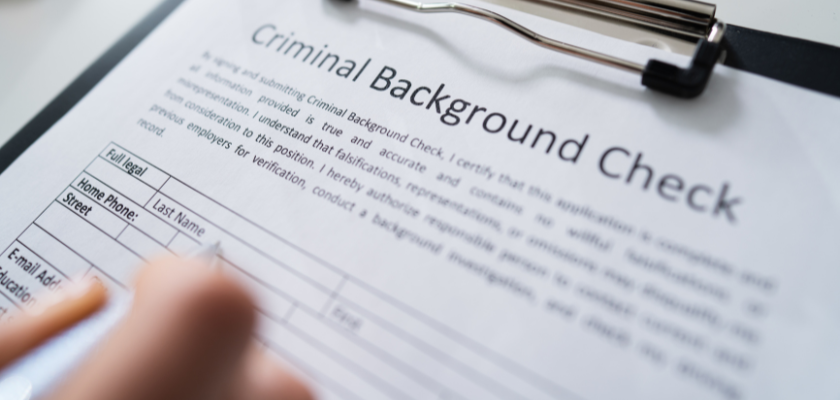
Thoroughly vet all job candidates by checking references, performing background checks and conducting your own research through online searches. Background checks can let you know if someone has been charged with a crime. It’s important, though, to make sure you’re complying with the law while carrying out your background checks. Some cases of employee theft are never reported to the police, however, so it’s a good idea to call all references to find out about any past issues or reasons for concern.


2. Know your employees 


checking employee theft


Be alert to key indicators of potential theft such as:

  • Sudden, apparent devotion to work and working late.
  • Lifestyles well above salary levels.
  • Strong objections to procedural changes related to financial, inventory or supply matters.
  • Drugs and alcohol abuse.
  • Moonlighting with materials available at the business.
  • Evidence of compulsive gambling, persistent borrowing, or bad check writing.

NFIB recommends that small business employers perform background checks on potential hires. Checking references is one important step. But for employees entrusted with handling your money or financial records, a background check is better.


3. Supervise employees closely


checking employee theft


Not surprisingly, studies show that when supervision is lax, theft and fraud rates go up. This doesn’t mean looking over their shoulder every minute. But it does mean checking what they do. It’s also wise to have more than one person looking out for your money.


4. Set checks and balances


While employees need a certain level of trust and authority to do their jobs, you can implement checks and balances to help detect (and hopefully deter) fraudulent activity. For instance, make it mandatory for all new accounts to be reviewed and approved by somebody at a higher level than the person who can create them. Only allow cashiers to do a refund up to a certain limit, and above that [limit] a manager must do it. Assume that every position has the ability to kill your business, so put controls and measures in place to keep that from happening.

Use purchase orders. The payment, receipt, and preparation of purchase orders should be separate functions and handled by different individuals. Use serially pre-numbered purchase orders and always verify incoming orders.

Control cash receipts. Use serially pre-numbered sales slips and conduct weekly audits. Balancing of sales slips and register receipts should be done by someone other than the sales clerk.

Use informal audits. Make unannounced internal audits and have a yearly audit performed by an outside firm.

Track your business checks. Always use pre-numbered checks, with amounts and payees typed or written in permanent ink.

Install computer security measures. Understand your computer systems and software, and how they might be used to divert money or inventory. Restrict access to computer terminals and records. Periodically change entry codes and check regularly to ensure that security procedures are in effect.


5. Use video surveillance


Consider installing security cameras to keep a watchful eye on your business. Cameras should be placed in blind spots, however, avoid placing cameras in areas where privacy is expected, such as bathrooms and break rooms. If you use cameras that are paired with a mobile app, you can monitor your business when you’re offsite, and those with motion detection can alert you if someone is inside the premises when the business is closed.


6. Create an anti-theft policy


Work with your attorney to include an anti-theft policy in your employee agreement to make it clear that stealing from your business will not be tolerated. Provide examples of prohibited behaviors and let employees know that they could face serious consequences if they’re caught in violation of the policy. For example, you will immediately terminate the employee’s contract, file a police report and potentially seek legal action for restitution for any damages.


7. Create an employee tip hotline


Oftentimes, your best information on fraud in the workplace can come from your employees. Consider setting up an employee tip hotline where workers can report ethical issues. Make the hotline anonymous so employees can report issues and concerns without the fear of punishment or retaliation. This needs to be done carefully to avoid signaling you don’t trust employees.

  • Be extremely careful about making accusations and conducting investigations – a false accusation can result in a lawsuit against you.
  •  Verify suspicions by investigation, and determine the extent of fraud and methods used.  If you can identify the responsible employee, terminate their employment and consider further legal action.
  •  If it is a large or complex issue, consider involving legal counsel who can assist with finding additional experts such as forensic accountants or investigators.

How to protect your Smart Security devices from Cyberattacks

Because your smart security devices require internet connectivity to function, they are vulnerable to cyberattacks. Smart security devices require connection to your Wi-Fi router to function. Your smart security devices are also connected to other smart devices such as smart hubs, mobile phones and tablets which are also vulnerable to cybersecurity threats. It is paramount that the Wi-Fi router and other devices connected to your smart devices are well protected from potential cybersecurity threats. Criminal hackers gain unauthorized access to networks and devices to steal sensitive data, including financial information, company secrets, and compromise your security system.

Here are ways to protect your smart security devices against cyberattacks.


Keep Software or Firmware Updated


software update


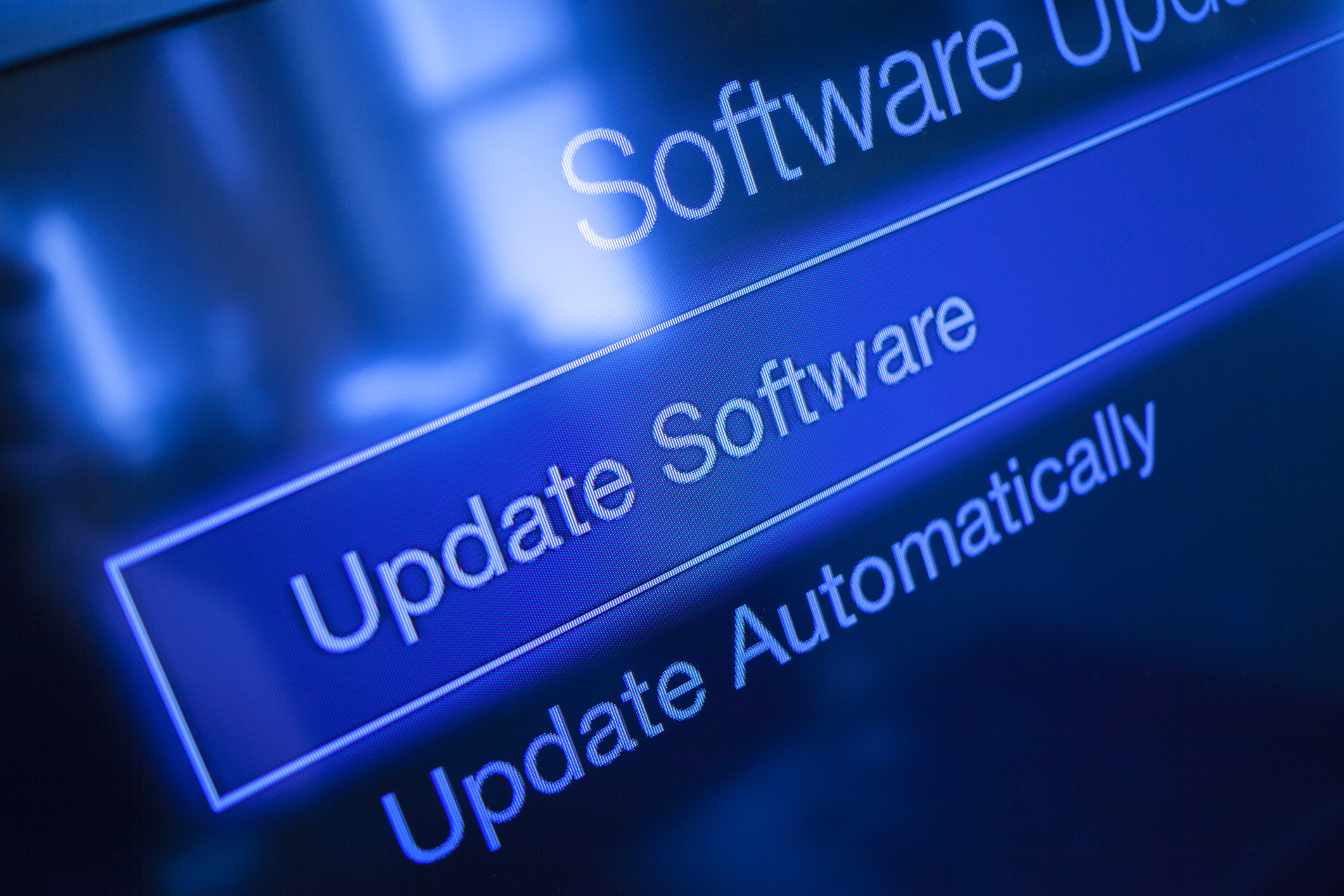
You should regularly update your smart security system. This can help protect against security vulnerabilities and other bugs. Your smart security device software may need to be updated to add new features or fix security flaws found by the manufacturer. Always accept any updates a device requests, and if possible, enable automatic updates. The more frequently the devices update, the more the security is enhanced.


Secure Your Wi-Fi Router


secure wifi router


Routers don’t usually come with the highest security settings enabled. When you set up your network, log in to the router and choose a password using a secure, encrypted setup. This prevents intruders from infiltrating your network and messing with your settings. In addition, installing a virtual private network (VPN) on your router is an excellent way to secure your router and protect your smart security devices from cyberattacks. A VPN will make it harder for malicious actors to access or intercept your data by ensuring that any data sent to or from your smart security device is encrypted and protected against cyberattacks. Other than that, use strong passwords and multi-factor authentication to secure your router further.


Use complex passwords to prevent network intrusions


strong password


Using strong passwords is a crucial way to prevent network intrusions. The more secure your passwords are, the harder it is for hackers to invade your smart security system. Secure passwords are usually longer and more complex. Use a password with at least eight characters and a combination of numbers, uppercase and lowercase letters, and computer symbols. Hackers have tools that can easily break short, easy passwords in minutes.

Don’t use recognizable words or combinations representing birthdays or other information hackers can connect to you. Don’t reuse passwords, either. If you have too many passwords to remember, consider using a password manager, such as Dashlane, Sticky Password, LastPass, or Password Boss.


Other ways you can protect your smart security devices from cyberattacks include turning off Bluetooth of mobile phones while not in use. Be mindful of the Wi-Fi networks you connect to. When setting up your smart security system ensure that you use a secure network from a reputable internet service provider (ISP).

Looking for smart devices to bolster your home or office security? We can help you find the best solution that meets your needs. Check out our smart security devices here. Alternatively, you can speak to us via email or call +234 706 993 7577 now! We’ll sure be glad to help!

Tips to improve Workplace Security

Ensuring the security of employees, the building and assets of the company has become increasingly important given the huge losses that can result from the lack of a sound workplace security policy. Together with physical harm to employees or loss of life, theft, vandalism, violence, cyber threats and data breaches can also result in financial losses to the organization. To check against these, standard workplace security measures must be put in place.


What is Workplace Security?

Workplace security involves the safety of employees, visitors, and the physical workplace environment. To ensure this, a workplace safety plan must be put in place. This plan will outline the organization’s security policy and measures taken to maintain a healthy and safe work environment.

The rise of remote work and other hybrid work models creates new security risks, particularly when sensitive data is involved. This means security policies and measures should be regularly reviewed and updated to cater for these new workplace environments.


Importance of Workplace Security


workplace security


Workplace security is essential for the smooth running of day-to-day activities in an organization and for long-term growth. It is a critical concern for both employers and employees. Effective workplace security measures are essential to:

Protect your employees: Workplace security measures are put in place to protect employees from harm, whether it’s from physical violence, theft, or cyber threats.

Maintain a safe work environment: A secure workplace is not only important for employees, but also helps to build trust and confidence of all stakeholders.

Increase employee morale & productivity: By ensuring the safety of your employees, you’re creating a positive work environment that is free from fear and stress. When employees feel safe, they are able to focus on their work and be more productive.

Protect your company against financial losses: Improving physical security can prevent the financial impact of security breaches.


Workplace Security Tips


1. Physical security measures

Physical security measures are the steps a company can take to protect against unauthorized entry into the workplace, in order to keep employees and assets safe and secure.

Physical security measures that can be implemented in the workplace include:

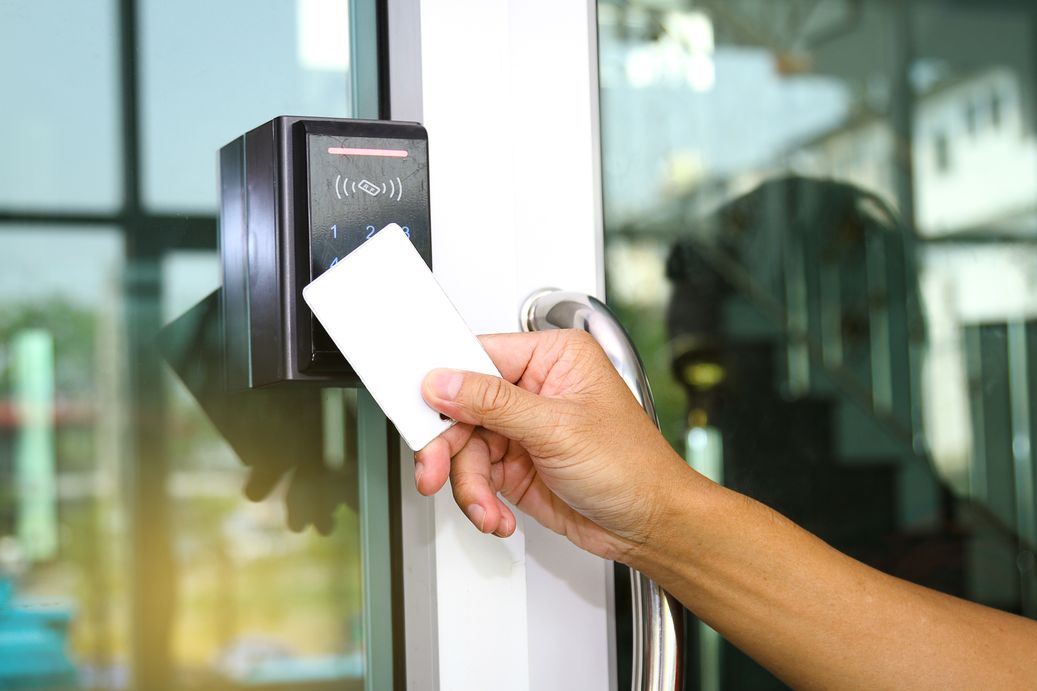
  • Access control systems: Examples are keycard access, biometric identification, or intercom systems to control who is allowed to enter the building.
  • Surveillance cameras: Cameras can help deter theft and violence, and can provide valuable evidence in the case of an incident.
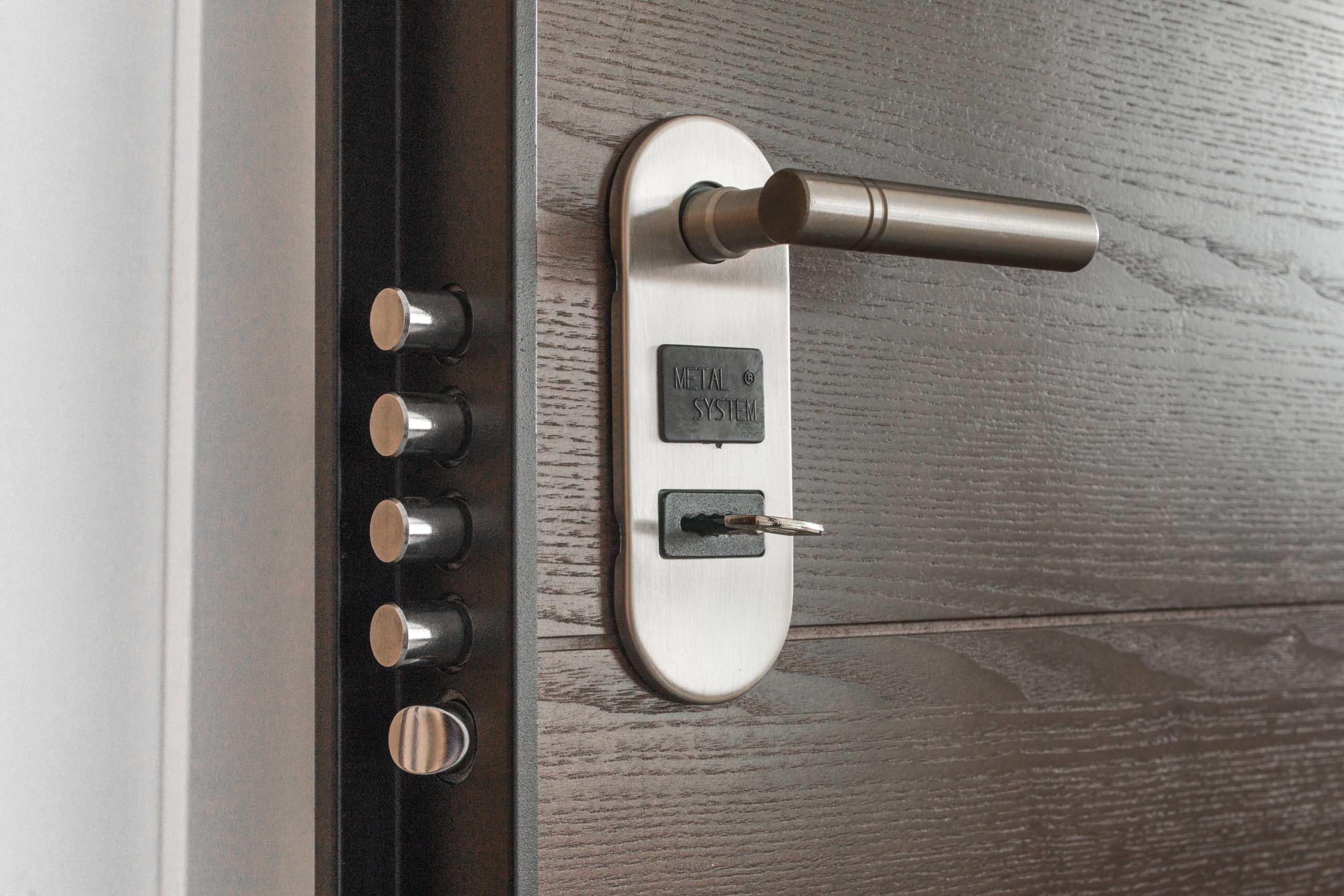
  • Locks and security doors: High-security locks and reinforced doors help prevent unauthorized access to sensitive areas of the workplace.
  • Alarms and security systems: Alarm systems, fire suppression systems, and other security systems provide an added layer of protection.
  • Lighting: Adequate lighting can help deter crime and make it easier to identify any potential threats.
  • Fences, gates and window bars. These make deters intruders and burglars, and makes it difficult for them to break in.
  • Secure storage: Providing a safe storage place for valuable items, such as computers and sensitive documents, can help prevent theft.
  • Controlled parking. Designated employee parking areas and security gates can help prevent theft of vehicles and other assets.


2. Employee education and training


It’s critical to educate and train your employees on workplace security procedures. This helps create a safer and more secure workplace, and empowers employees to take an active role in protecting themselves and the company.

Here are some examples of trainings that can be implemented:

  • Safety and security awareness training: Educate employees on common safety and security risks, and how to identify and report potential threats.
  • Emergency response training: Teach employees what to do in the event of an emergency, such as a fire, active shooter situation, or a natural disaster.
  • Data security training: Inform employees about the importance of protecting sensitive information, and how to properly handle, store, and dispose of confidential data.
  • Cybersecurity training: Educate your staff on how to protect the company’s digital assets and sensitive information from cyber threats, such as hacking and phishing.
  • Workplace violence prevention training: Educate your staff how to identify and report potential incidents of workplace violence, and how to respond in the event of an attack.
  • Environmental health and safety training: Tell your employees how to identify and mitigate workplace hazards, such as toxic substances and electrical hazards.
  • First aid and CPR training: Teach your staff how to provide first aid and CPR in the event of an emergency, such as a heart attack or injury.


3. Background checks on employees


Background checks on employees help you find out if they have any past history such as criminal history, education, employment history, etc. that may pose security threats to your organization. If you do decide to conduct these checks, make sure to do so in a careful manner. If done carefully and effectively, background checks can help to identify potential security risks.

Benefits of High Security Door Locks

Whether at home or the office, door security is very important, as doors are usually the first line of security. As a result, high security locks (HSEC) are essential for your door security. High security locks were created as a solution to the weaknesses of standard locks. They provide greater security to protect valuable items and information. High security locks use certain features to protect against break-ins and theft.

Metal Composition

A good high security lock is made from strong heavy metals. Plastic components should not be used in the manufacturing of high security locks. You will know if a high security lock is made of majority metal by its weight; metal is always heavier than plastic, so the heavier the better.

Bolt Strength

A high security lock should be able to withstand a lot of force. Therefore, they use hardened steel bolts that can stand against a burglar ramming, kicking, or using a sledgehammer to break in.  Without a sturdy steel bolt, these types of strikes would bend or snap the bolt leaving your property vulnerable to intrusion.

Lock Cylinder Complexity

The more difficult the lock cylinder is, the harder it’s going to be for a burglar to pick the lock. The internal mechanics of a lock cylinder must be challenging enough to deter a criminal from lock bumping or making an impression of the lock.

Drill Protection

High security locks are designed to resist attacks from drilling, making them impossible to remove. Some locks use a hardened metal case, special metal pins, or disks placed in the path where the drill must penetrate. There are even metal shields that protect against the lock itself.


Why should you get a high security lock for your home or business?


high security door lock


They are impossible to pick

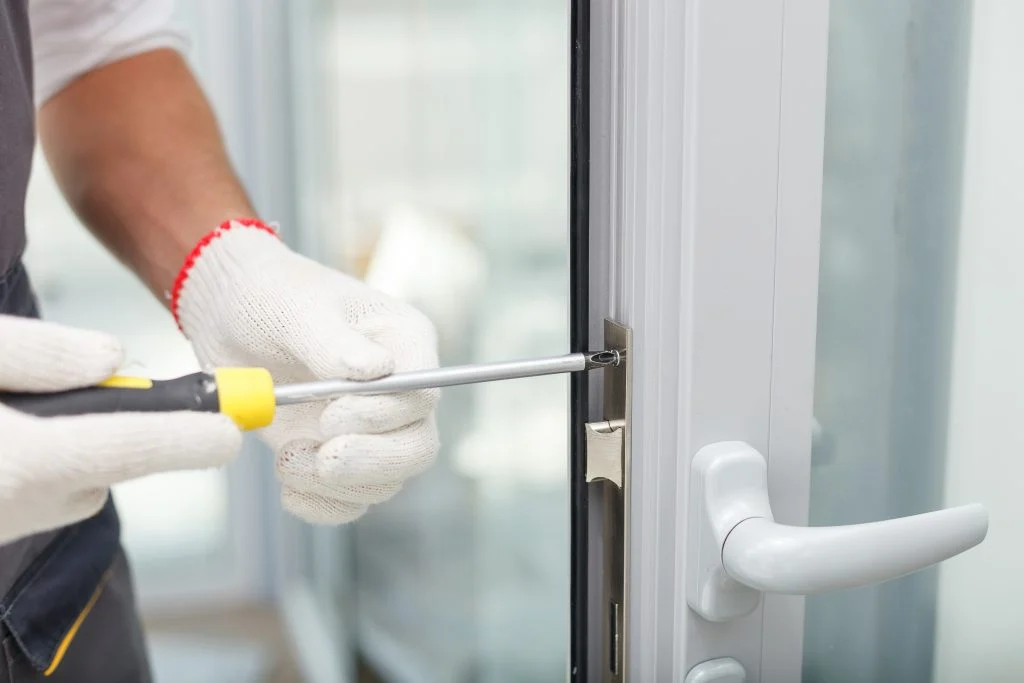
The major benefit of high security locks is that they are nearly impossible to pick. That’s because they utilize two levels of biaxial key cutting, which produce angled cuts inside the lock that are very difficult to force open by picking the lock. In addition, the locking mechanism corresponds with a specific pin. Only a locksmith with special tools can get high security locks open. Of course, a pick-resistant lock is no use if a determined intruder can simply drill the lock out of its housing. That’s why all the most secure door locks come with drill resistant housings, which prevent the locks from being removed from the doors. Not only does this feature reduce theft, but it also means you won’t face the expense of replacing damaged locks with new ones to re-secure the property after an attempted break-in.


Restricted Keyway

Many business owners have dealt with keys going missing or being copied without their authorization. With high security locks, the added feature of a restricted keyway system stops unauthorized duplication.

A restricted keyway is designed to prevent keys from being copied by former employees. Many restricted keyway systems are patented. Only one locksmith is authorized to make duplicate keys upon written consent from the business owner. This helps establish key control within a business or organization.

The key blanks are not available on the open market. The need to replace locks decreases with this system because only one locksmith can copy a key.


Rekey with Ease

How many times have you had to replace a lock because an employee has lost a key or because a key has been stolen? With innovative user-rekeyable key cores, removing locks from their hardware in order to rekey can be a thing of the past. User-rekeyable locks can be securely reset when a key is lost or stolen without needing to be removed from your door hardware. Which means that anyone who tries to use the lost or stolen key after you’re able to quickly address a security breach will be denied access. Meanwhile, the other authorized key holders can receive updated keys so your employees continue to enjoy uninterrupted access to your facilities.

All types of keys in a HESC system can be reset, including master keys, grand master keys, and even great grand master key systems. This ensures that security is guaranteed on every level of your organization and addressing security breaches is no longer a time consuming or insecure hassle for your key managers.


Track Serialized Keys With Cloud-Based Key Tracking Software

One of the most important features of your key control is your ability to track serialized keys. A cloud-based key tracking software solution allows administrators to keep track of all keys that have been issued, orders that have been placed, and the effectiveness of your key control from a single easy-to-use dashboard. Using this software, admins can identify key holders, track the location of keys, and quickly check which doors each key provides access to. Serialized keys also eliminate key duplication, which can be a major security risk in some organizations.

There are many benefits to implementing strong, secure key control for your organization, including low maintenance costs, greater convenience, and enhanced security.